
How to cluster keywords around one clear page promise
Group query variants by task, audience, input, output and scope; assign one canonical promise, preserve distinct needs, and verify overlap with page-level data.
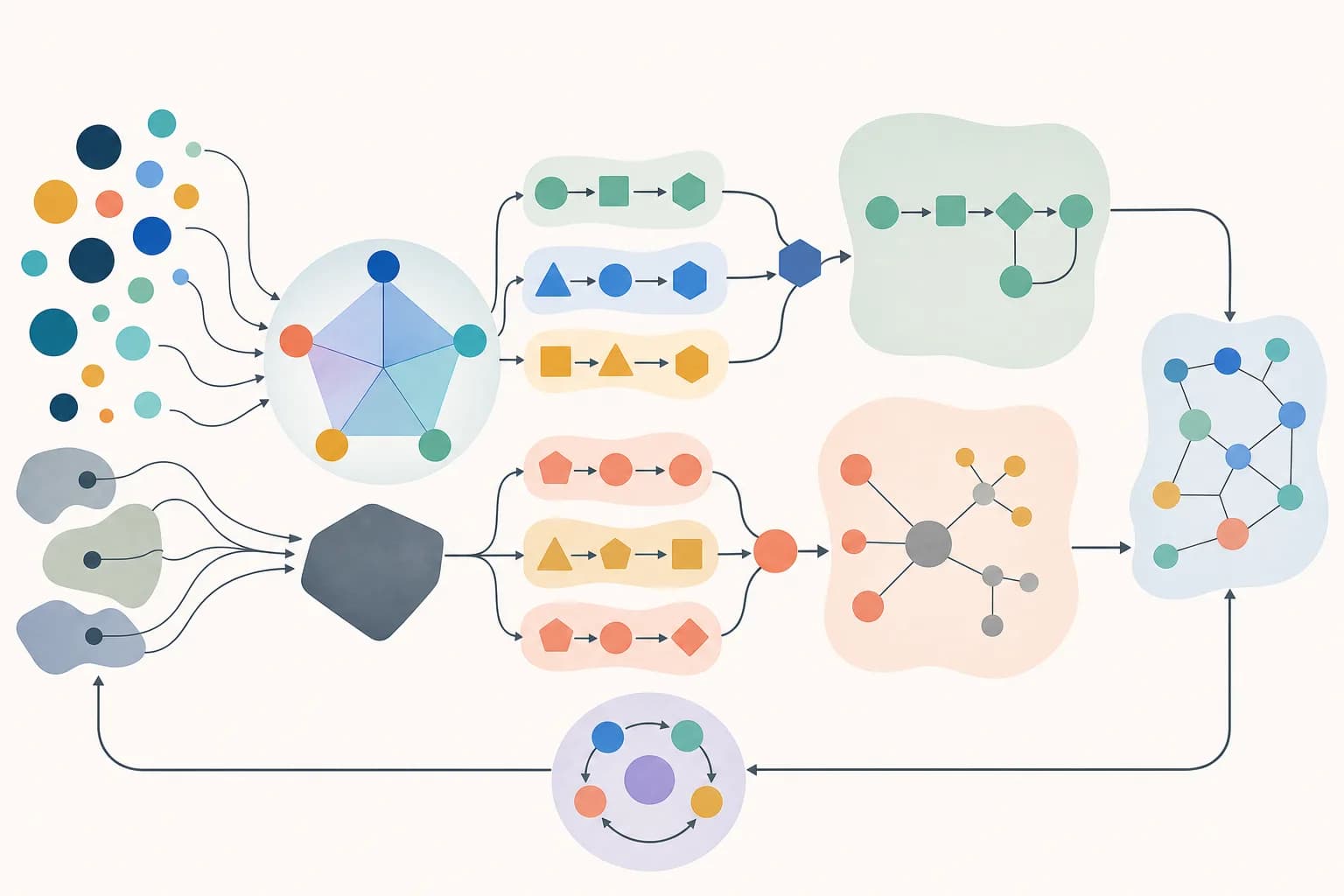
Cluster queries by the page that could satisfy them, not by shared words alone. Annotate each observed query with its task, audience, expected input, desired output and material scope; merge variants when one complete answer or product can serve them; and assign the cluster to an existing canonical URL before proposing a new page. Keep a separate route when the user must perform a different task or needs different evidence. Multiple pages appearing for a query are an observation, not automatic proof of cannibalization—confirm a duplicated promise, confused routing or unstable page performance before consolidating.
Collect query evidence without treating it as complete demand
Combine Search Console queries, on-site searches, support language, research interviews, product terminology and approved market vocabulary. Preserve the source, date range, country, device or product context when available. Normalize case and obvious punctuation for analysis, but keep the original phrasing beside it. Search Console omits anonymized queries and can truncate rows, so the export is evidence of observed language—not a complete census of user need.
- Record the exact phrase and its evidence source.
- Attach the page, task or product context in which it appeared.
- Keep branded, navigational and support-only phrases identifiable.
- Remove personal data and unsupported scraped lists.
Classify the task before measuring lexical similarity
For each query, write the action the user is trying to complete, who or what the output is for, the input they possess, the result they expect and any scope that changes the answer. Two phrases can use different vocabulary and still share one promise; two phrases can repeat the same noun while requiring different products, evidence or decisions. Automated similarity can suggest candidates, but a reviewer must decide whether one page can satisfy both without becoming vague.
Assign one cluster to an existing canonical promise
Compare the cluster with the live route inventory, visible product behavior, primary topic, title, H1 and related pages. Prefer strengthening an existing page when its verified scope can answer the whole cluster. Record one preferred canonical URL and use the query variants as vocabulary and test cases, not as headings that must all be repeated. Propose a new page only when its task and evidence contract are materially distinct from every current route.
Diagnose harmful competition instead of assuming it
Filter a meaningful query in Search Console and inspect which canonical pages were shown, then review those pages over comparable periods. Multiple relevant URLs may be useful for an ambiguous or broad query. Investigate when two pages make substantially the same promise, alternate unpredictably, attract conflicting internal anchors, split essential evidence or leave users choosing between indistinguishable results. Even then, query and position changes are observations; releases, titles, links, seasonality and result composition can also change performance.
Consolidate true duplicates and preserve real distinctions
When two pages serve the same user and decision, choose the stronger destination, move unique useful evidence into it, update internal links and retire the redundant route with an appropriate permanent redirect. Use a canonical annotation for duplicate or very similar variants that must remain accessible, keep only preferred URLs in the sitemap and make signals consistent. Do not canonicalize genuinely different tasks merely because they share keywords; that hides useful information instead of resolving the information architecture.
Check the primary references
Check the source against the result
The reviewed Flowchart Generator record merges three phrases: flowchart generator, process flowchart maker and decision flow diagram. Its verified promise is one structured process manifest becoming a validated accessible SVG and editable Mermaid flowchart. The Concept Map Generator instead accepts declared concepts and labeled relationships and checks one connected component.
Assign all three process-diagram variants to /tools/ai-flowchart-generator. Keep /tools/concept-map-generator separate because its input, validation rules, relationship semantics and output decision differ. Link both through /tools/presentations-diagrams rather than publishing three thin flowchart routes or merging both tools into one vague diagram page.
The registry mapping proves that MCXAI has one canonical flowchart promise and one distinct concept-map promise, and the current audits find no duplicate primary intent. It does not prove that Google groups the phrases identically, that either page ranks, or that harmful cannibalization exists; production page-and-query data and user behavior are still required.
Inspect one canonical page serving three query variants
The Flowchart Generator registry merges flowchart generator, process flowchart maker and decision flow diagram around one tested manifest-to-SVG-and-Mermaid promise.
Open the canonical Flowchart Generator