
How to create FAQs that resolve real user uncertainty
Collect repeated questions from evidence, merge duplicates, answer the decision first, state scope and next action, and treat structured data as optional—not a display promise.
Build FAQs from repeated uncertainty you can actually observe: support conversations, on-site searches, product errors, sales questions and usability sessions. Merge questions that require the same answer, write the decision or fact first, then add the evidence, important scope and next action. Keep every answer visible and current on the page; use structured data only when it accurately represents that content, never as a promise of ranking or a rich result.
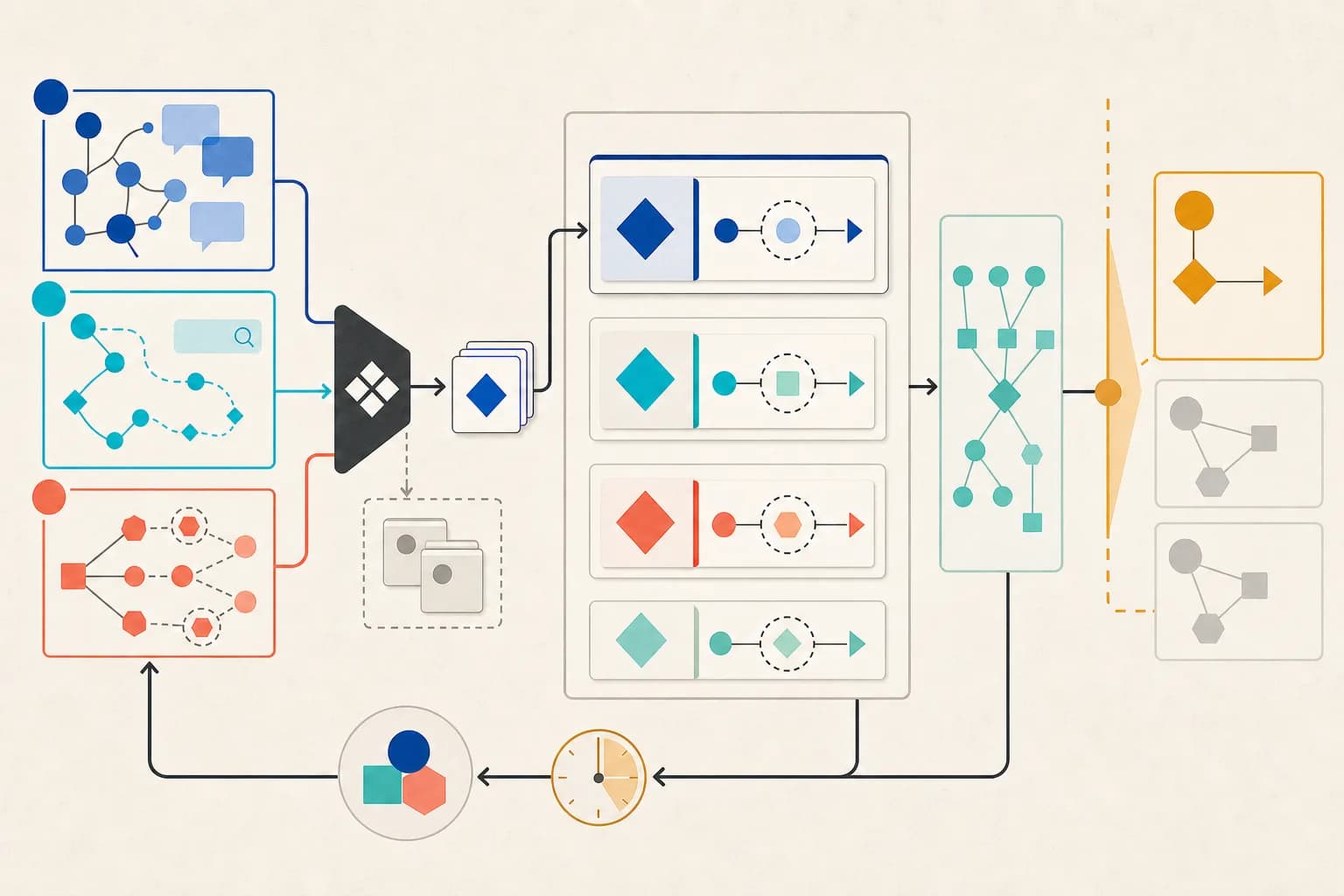
Collect questions from behavior, not a keyword template
Record the exact uncertainty people express in support conversations, contact forms, sales calls, on-site searches, product validation errors and usability sessions. Remove personal information and attach each candidate to a source, frequency window and page or workflow. A keyword can reveal vocabulary, but it does not prove that a question is common or that your organization can answer it.
- Capture the user's wording and the situation that produced it.
- Tag the product, page or decision the question concerns.
- Count repeated themes within a stated period.
- Discard questions that need unavailable evidence or authority.
Merge duplicates around one answerable intent
Group variants when a complete answer would be the same, then choose the clearest natural-language form. Keep questions separate when the audience, product state, jurisdiction or next action changes the answer. Avoid inserting near-synonyms simply to cover more phrases; repetition makes a page harder to scan and easier to leave inconsistent.
Write the decision first, then evidence and scope
Open with yes, no, a direct value or a concise rule. Follow with the reason or authoritative source, the condition that could change the answer, and the next useful action. Name dates, product versions, regions and data boundaries when they matter. If the answer is unknown or depends on a reviewer, say so instead of manufacturing certainty.
Place answers where the question occurs
Keep task-critical answers beside the relevant interface, limit or decision; use a dedicated FAQ section only when several related questions remain. Make disclosure controls keyboard-operable with programmatic names, states and focus behavior, and keep important content present in accessible HTML. Link to deeper instructions or policy rather than copying a long answer across many pages.
Keep schema and search expectations separate
Any structured data must match visible, up-to-date page content and follow the applicable type rules. Google states that structured data does not guarantee a rich result, and FAQ rich results are shown regularly only for eligible well-known authoritative government and health sites. For other sites, helpful visible answers still serve users even when FAQPage markup has no visible Search effect.
Check the primary references
Check the source against the result
Observed uncertainty on a flowchart page: Can I paste a paragraph and have this version infer the process for me?
No. The current local Flowchart Generator reads a structured JSON process manifest; it does not interpret prose, documents, source code, logs, traces or model output. Declare 3–20 nodes and 2–40 edges, then review the generated SVG and Mermaid. Keep the page's sample manifest as a starting format.
The answer leads with the decision, names the exact accepted source and bounds, and gives a next action. It does not imply that an unavailable AI provider will process prose or that FAQ markup will create a special search display.
Inspect a product page that answers its hard boundaries
The Flowchart Generator states what input it accepts, which paths it rejects, where processing happens and what the output cannot prove before a reader exports anything.
Open the Flowchart Generator page