
How to design a topic cluster around real user tasks
Build one decision-ready hub, keep only spokes with distinct workflows and evidence, connect the graph with useful links, and hold thin or duplicate pages outside search.
Choose one audience need that your product can genuinely serve, then make the hub help people choose among distinct tasks. Create a spoke only when its source, workflow, output or proof requirement is materially different from the others. Link the hub to every published spoke, add contextual links where a next decision is useful, and keep untested, thin or duplicate routes out of the sitemap until they earn publication.
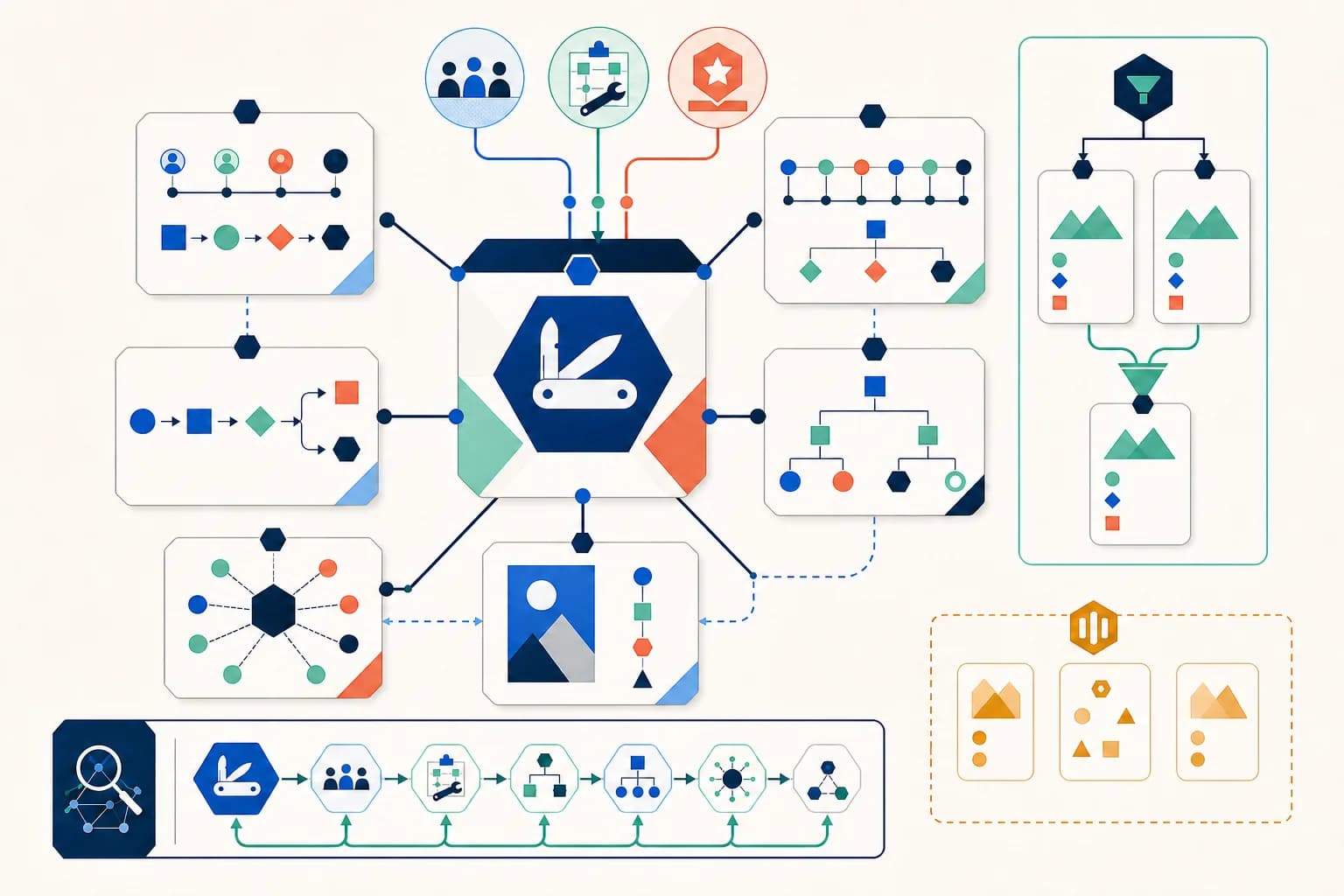
Start with an audience need your product can satisfy
Define the people the cluster serves, the decision they face and the evidence or working product you can provide. A topic is not enough: a broad phrase can hide unrelated jobs. Set the cluster boundary where your first-hand experience, tested tools or reviewed sources stop, even when keyword research suggests more pages.
- Name the intended audience and its shared situation.
- List the tasks the site can complete or explain today.
- Attach product evidence or primary sources to each candidate.
- Hold ideas that depend on unavailable expertise or integrations.
Make the hub a choice page, not a link warehouse
The hub should explain the common problem, reveal the important distinctions among tasks and guide a reader to the right next page. Group spokes by a decision a person understands, use descriptive labels, and keep enough original context on the hub that it remains useful even before a link is followed.
Require a distinct job and proof for every spoke
Compare each proposed page by its user task, source input, finished output and evidence needed to trust it. Merge pages when all four align, even if keyword wording differs. Keep a separate route when a different input or workflow produces a meaningfully different result. This test protects a cluster from becoming a ring of near-duplicate doorway pages.
Connect hierarchy and next decisions with real links
Link from the directory to the hub and from the hub to every live spoke using standard anchor elements and destination-specific wording. Add spoke-to-spoke links only where they continue a workflow, clarify a limitation or answer the next question. A link should help a person predict the destination; repeated generic blocks do not create a useful journey.
Gate publication and audit the rendered graph
Publish only pages with a working or evidence-backed promise, unique metadata and substantial original content. A provider-pending interface preview can be evidence-backed only for that narrower preview promise; processing must remain disabled and clearly labelled. Keep broken, ambiguous or thin routes noindex and out of navigation and sitemaps. Crawl the rendered site to find broken targets, unintended redirects, missing canonicals and orphaned indexable pages, then repeat the audit whenever a route or publication status changes.
Check the primary references
Check the source against the result
Shared need: turn verified information into visual structure. Candidate tasks: order participant messages, arrange events, branch a process, show direct reporting lines, connect concepts with labeled relationships, and learn the mapping method.
One Presentations and Diagrams hub links to Sequence Diagram Generator, Timeline Generator, Flowchart Generator, Org Chart Generator, Concept Map Generator and source-led diagram guides. Each spoke names a different input contract, output structure and evidence boundary.
The pages share a visual-thinking parent but do not make the same promise: a message sequence cannot replace a calendar, process branch, reporting tree or labeled knowledge graph. The current registry and rendered-link audits require every indexable route to remain reachable and reject duplicate primary intents before publication.
Inspect a task-led cluster in the live directory
The presentations and diagrams hub separates message order, event order, process branching, reporting structure and labeled knowledge relationships instead of repeating one generic visual promise.
Open the visual structure hub