
How to write product-led content around a working tool
Derive the page promise from tested behavior, put the interface and fixture first, report observed output, expose limits and keep metadata as accurate as the product.
Begin with the working product and its tested boundary, not a keyword brief. State the exact task, let a reader try it immediately, publish a reproducible fixture and a meaningful failure, and describe only the output you observed. Add original explanation where it helps someone use or judge the result, expose privacy, safety and limitation facts, and keep the title, schema and calls to action no stronger than the current product.
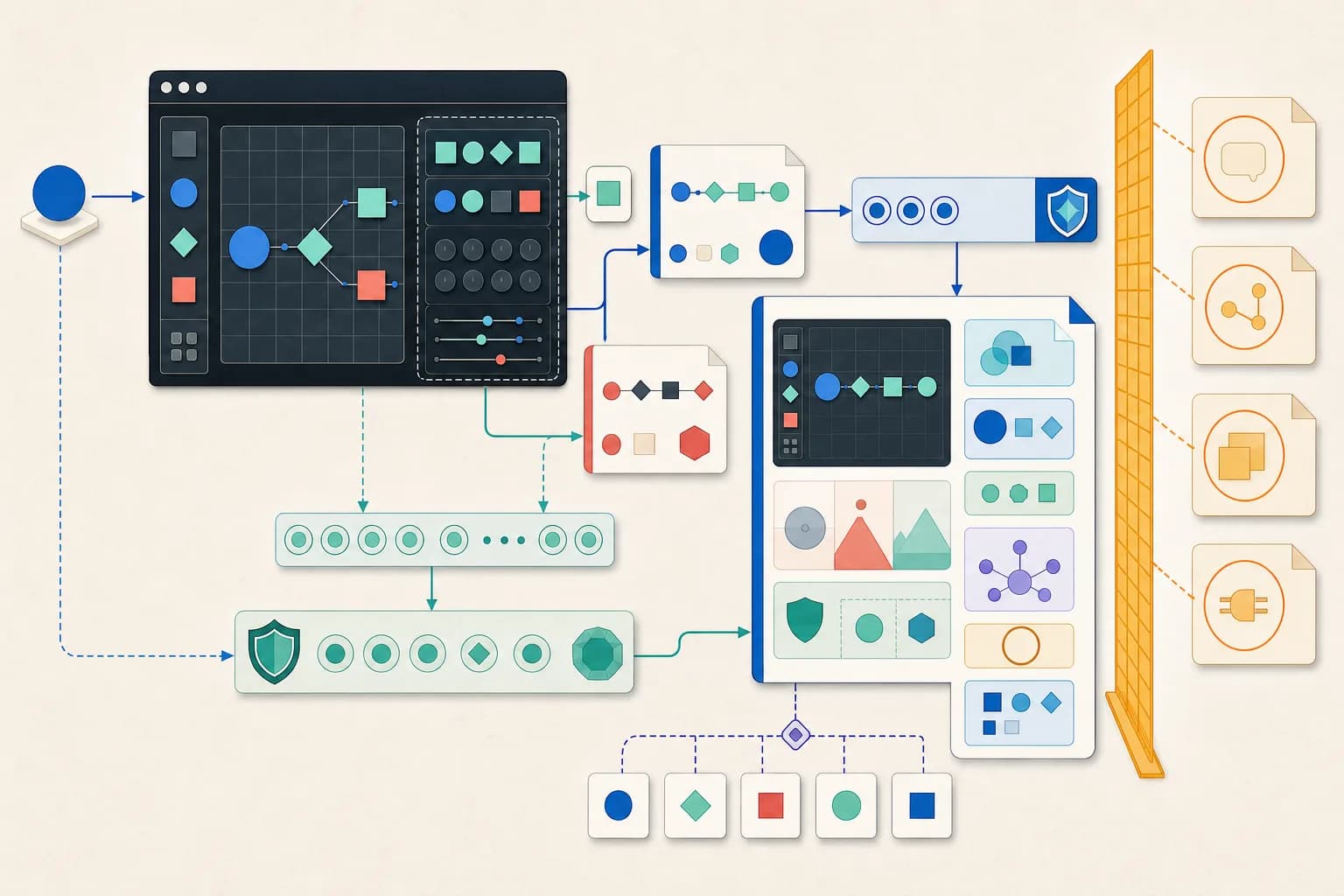
Write a product contract before a content brief
Record the user task, accepted source, processing boundary, finished artifact and evidence required to trust it. Test the product against that contract and remove any promise that depends on an unavailable provider, hidden manual step or unverified outcome. Search phrasing can refine how the task is named; it cannot expand what the product does.
- Name one task the current interface completes.
- List accepted input types, size limits and validation rules.
- Describe the exact downloadable or visible result.
- Record what was tested, when and in which environment.
Put the working interface and fixture before the essay
Let the product answer the primary task near the top of the page. Preload a bounded synthetic example that demonstrates the intended workflow without exposing personal or proprietary data. Label the input, result, local or remote processing state and actions clearly; explanation should support use, not bury the interface beneath introductory copy.
Report observed output and a meaningful failure
Show the exact fixture and the counts, fields or artifacts the current build returns. Add at least one invalid example that teaches a real boundary, and ensure the UI clears stale output when validation fails. Distinguish supplied facts, deterministic transformations and reviewer interpretation so a polished result is not mistaken for proof of a real-world outcome.
Explain limits, privacy, safety and accessibility
Write the cases the tool rejects, the evidence it cannot observe and the decisions that still require a person. State where processing and downloads happen, what sensitive data should be avoided, and what external systems remain disconnected. Use visible labels, textual errors, programmatic status messages, keyboard-operable controls and accessible result descriptions; do not rely on visual polish alone.
Keep metadata and publication status truthful
Make the title, H1, description, structured data and internal links describe the same visible capability. Do not add ratings, prices, availability, provider names or performance claims that the page cannot support. Keep broken or ambiguous functionality noindex. If a public page promises only a provider-pending interface preview, label that state visibly, disable processing and omit product schema; then re-run editorial, SEO, link, content, security and production-browser checks before changing its status.
Check the primary references
Check the source against the result
Tested product: the local Flowchart Generator accepts a structured order-reservation manifest with one start, two steps, two decisions, two ends and seven directed edges, including a labeled retry path.
The page runs the fixture in the browser, reports 7 nodes · 7 edges · 2 steps · 2 decisions · 2 ends · 1 loop · 5 levels, renders an accessible SVG, exposes editable Mermaid, and rejects an unlabeled decision branch or a cycle with no path to an end.
Those results prove the shipped validator and renderer handled the declared fixture. They do not prove that an order system executes the process, how long a branch takes, how often a retry occurs, whether a reservation succeeds or whether the model is operationally complete.
Inspect the method on a tested local tool page
The Flowchart Generator leads with a working process-manifest builder, exact observed counts, invalid branch examples, runtime-evidence limits and local SVG/Mermaid exports.
Open the Flowchart Generator page