
Loading
Preparing the page
Public context is loading before any interactive tool code.
Preparing the page
Public context is loading before any interactive tool code.
Validate and pretty-print JSON in the browser with precise parse errors and no upload.
Your checked result will appear here.
Pretty printing is the final step. The parser first checks that the entire value follows JSON syntax, then serializes the parsed value with two-space indentation.
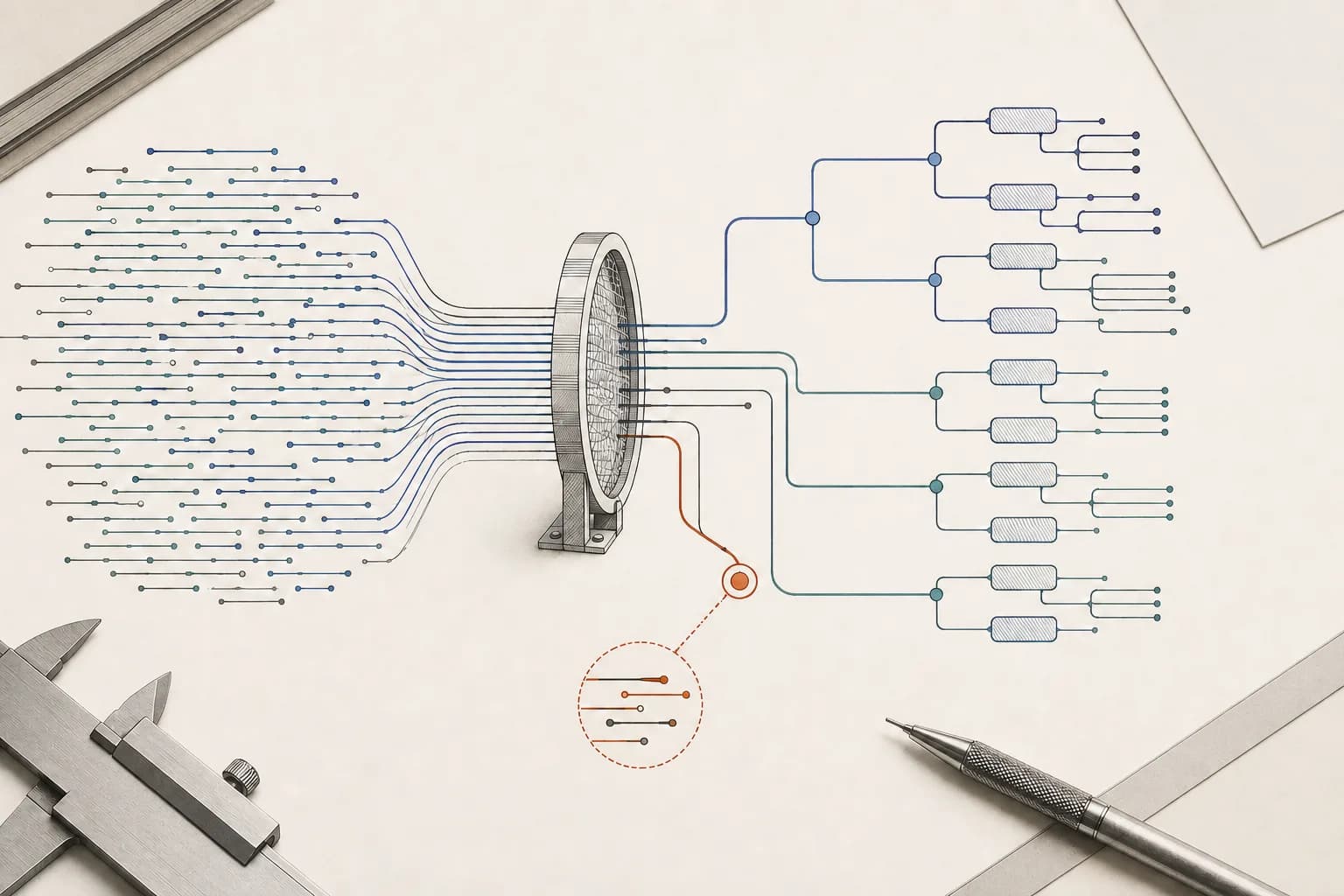
No repair is applied behind your back. Invalid syntax returns an error instead of guessing what the missing value should be.
Inputs over 1 MB are rejected before parsing to keep the browser responsive.
Objects, arrays, strings, numbers, booleans and null must all follow JSON grammar.
The parser reports the failure instead of producing a partially trusted result.
A valid value is returned with stable two-space indentation for inspection or copying.
Both cases are regression-tested. The displayed output is produced by the same functions used in the workbench.
{"project":"MCXAI","checks":["metadata","privacy"],"ready":true}{
"project": "MCXAI",
"checks": [
"metadata",
"privacy"
],
"ready": true
}{"ready":}Rejected because the property has no value. MCXAI does not assume true, false, null or an empty string.
They may be valid in JavaScript or JSON-like configuration formats, but a strict JSON parser must reject them.
{"ready": true,}Remove the comma after the final member.
{'ready': true}JSON strings and object keys require double quotes.
{"ready": true /* note */}Standard JSON has no comment syntax.
{"ready": undefined}Use null only when an explicit empty value is intended.
A valid JSON document can still contain credentials, personal data, unsafe HTML or values that another system interprets dangerously.