
How to create a concept map from a focus question
Choose a bounded question, name the concepts, write proposition-quality linking phrases, add defensible cross-links and review every relationship against its source.
Start with one focus question and a short list of concepts needed to answer it. Arrange the most useful concepts, connect each pair with a linking phrase that makes a readable proposition, and add cross-links only when you can state the relationship precisely. Then read every concept-link-concept path as a claim and compare it with the source before treating the map as a finished explanation.
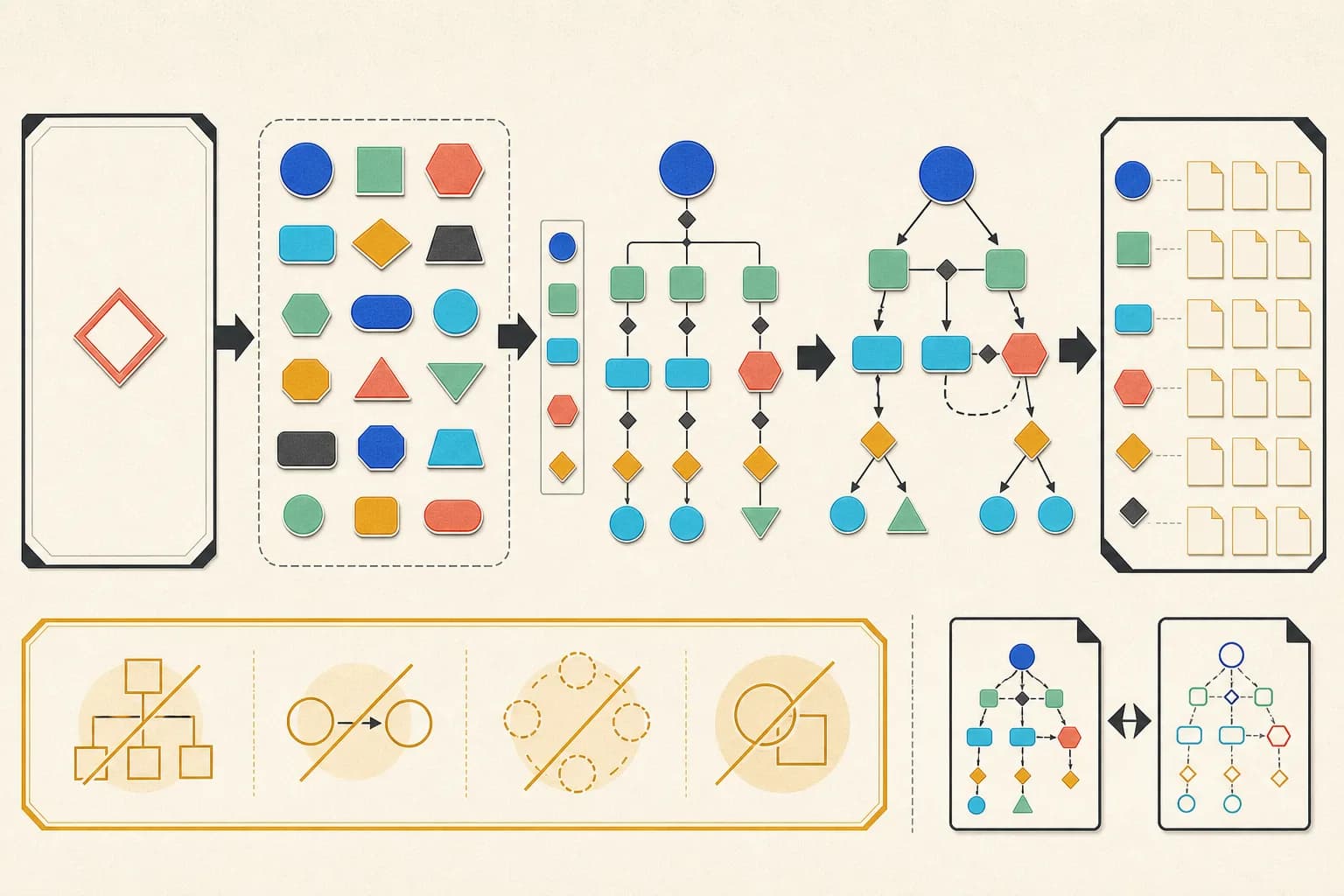
Write one focus question and name the evidence
A useful concept map answers a particular question rather than collecting everything associated with a topic. State what the map should help a reader understand, identify the source material or expert evidence you will use, and set a stopping boundary. If the question changes during mapping, revise it openly instead of forcing unrelated concepts into the first frame.
- Write a question narrow enough to answer on one map.
- List the sources or observations allowed to support it.
- Name the intended reader and decision or learning task.
- Record what the map will deliberately leave out.
Build a small parking lot of concepts
Collect short labels for the objects, events or ideas required by the question before drawing connections. Remove synonyms, split labels that hide two different ideas, and set aside interesting terms that the evidence does not yet connect. A parking lot is a working inventory, not a requirement to place every candidate on the final map.
Turn every connection into a proposition
Join two concepts with a concise verb or phrase so the three parts can be read as a meaningful statement. Phrases such as uses, is checked by or challenges communicate more than an unlabeled line. Preserve arrow direction, because reversing the concepts can change or break the proposition. If you cannot read the connection aloud without adding missing words, rewrite it.
Organize the main paths before adding cross-links
Place a useful general concept or visual anchor first, group closely related propositions, and keep labels readable. Then look across branches for a relationship the current evidence supports and name that cross-link precisely. Central placement can improve navigation, but it does not by itself prove hierarchy, importance or causality.
Review each claim and revise the whole graph
Read every concept-link-concept path back against the focus question and source. Remove duplicate, vague or unsupported relationships; look for isolated concepts and one-sided explanations; invite a subject-matter reviewer to challenge the phrases. Export only after the map is connected and legible, and retain the editable source because concept maps should change when understanding or evidence changes.
Check the primary references
Check the source against the result
Focus question: What makes an evidence-led publication reviewable? Candidate concepts: Evidence-led publication, Verified source, Reader intent, Tested tool output, Is every claim supported?, Published page.
Verified source —grounds→ Evidence-led publication; Reader intent —focuses→ Evidence-led publication; Evidence-led publication —uses→ Tested tool output; Tested tool output —is checked by→ Is every claim supported?; Is every claim supported? —gates→ Published page.
The six concepts and five directional phrases form one connected answer to the focus question. Connectivity does not prove that the relationships are true, complete, causal or properly hierarchical; each proposition still needs source and subject-matter review.
Build from explicit concepts and relationship phrases
Declare a root for visual placement, connect every node with your own phrases, validate the graph locally, and inspect both the accessible SVG and editable Mermaid exports.
Open Concept Map Generator