
How to write accurate meta descriptions at scale
Build unique meta descriptions from verified page facts, validate the rendered HTML, reject unsupported claims, and measure results without promising snippets.
Scale the process, not a generic sentence. Give every indexable URL a typed page record with verified facts such as its task, distinctive output, important scope and current limit. Render those facts through a small template for that page family, then reject missing data, repeated descriptions, claims absent from the visible page and unexpected rendered HTML. Google primarily builds snippets from page content and may use the meta description when it is a better fit, so treat your description as an accurate candidate—not a guaranteed snippet or ranking lever.
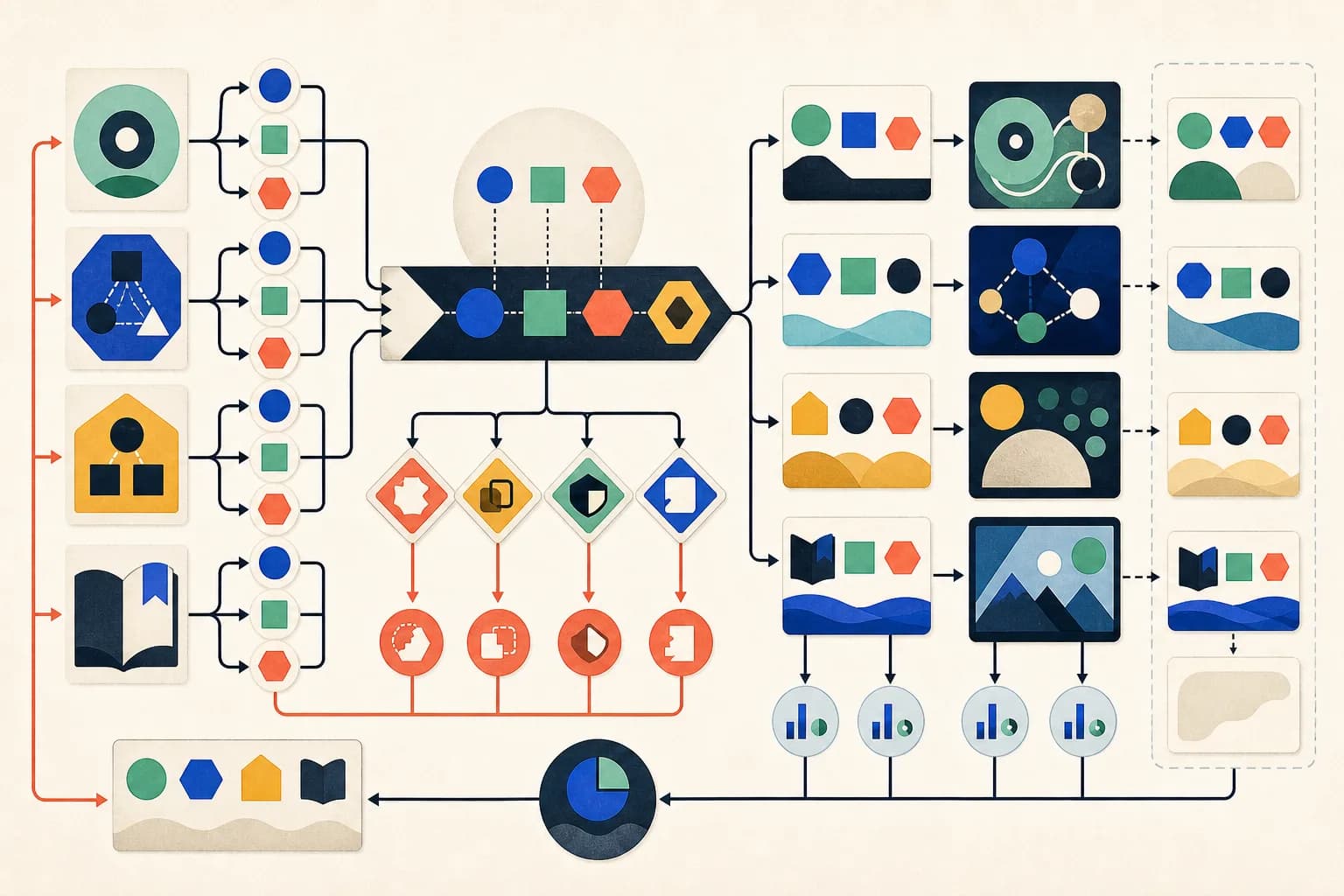
Inventory one trustworthy fact record per URL
Begin with the canonical, indexable pages that genuinely exist. For each URL, record the page family, user task, distinctive output or subject, important qualifier and reviewed date. Source those fields from the same product or editorial evidence that supports the visible page. Do not generate a description for an empty, duplicate, redirected, noindex or unreviewed record merely to fill an inventory row.
- Resolve the canonical URL and indexation state.
- Name the exact task or subject of this page.
- Capture one differentiating output, attribute or decision.
- Add a material scope or limit only when it helps the reader choose.
Use page-family templates, not keyword substitution
Write a small composition rule for each materially different family: product, article, category or reference page. Insert only verified fields and let the sentence structure fit the task. A product description might combine action, output and processing boundary; an article might combine question, method and decision. Replacing one keyword inside an otherwise identical site-wide sentence does not make the result meaningfully page-specific.
Fail the build on missing, repeated or unsupported output
Require every field the chosen template needs, normalize whitespace, and compare complete descriptions across canonical pages. Flag exact duplicates and investigate close matches within the same family. Check that each substantive claim appears in the current visible content, then inspect the final server-rendered head for exactly one non-empty description value with correct escaping. Use length as an editorial review signal, not a universal character rule: Google documents no fixed description limit and truncates snippets as needed for the device.
Review the page and candidate separately from the snippet
Read the description beside the title, H1, first screen and canonical page. It should help a searcher distinguish this result without hiding a condition or inventing urgency, price, speed, availability or capability. Google primarily derives snippets from page content and can show different text for different queries; it may use the description when that better represents the page. A correct tag therefore does not guarantee that its wording will appear.
Measure by page and query, then revise the facts
After recrawl and enough comparable data, use Search Console's page and query dimensions to review impressions, clicks and click-through rate for the canonical URL. Annotate title, content, template and product changes so the comparison is interpretable, and avoid attributing a movement to the description alone. Prioritize wrong or stale descriptions and high-impression pages whose search presentation misstates the page; do not churn synonyms on a schedule or produce thin pages to create more metadata.
Check the primary references
Check the source against the result
Two reviewed tool records contain different facts. JSON Formatter: validate and pretty-print JSON; precise parse errors; processing stays in the browser with no upload. Flowchart Generator: check declared starts, exits, branches and reachable paths; build a local SVG preview and editable Mermaid source.
JSON Formatter — Validate and pretty-print JSON in the browser with precise parse errors and no upload. Flowchart Generator — Check an explicit process graph for usable starts, exits, branches and reachable paths, then build a local SVG preview with editable Mermaid source.
Both sentences are the exact live page descriptions and map to visible, tested facts, yet they differ in task, evidence and output. That verification does not guarantee Google will display either sentence for a given query, improve ranking or cause a change in click-through rate.
Inspect a live description derived from tested product facts
The JSON Formatter page states its exact task, local processing boundary and observed error behavior in both the visible page and its rendered metadata.
Open the JSON Formatter page